The short version
- Getting the keyboard to elbow height, with the feet folded away and the mouse right beside it, fixes a lot of keyboard wrist soreness.
- Split, tented, low-profile and compact keyboards can make it easier to keep your wrists straight, though research hasn't proven they prevent injury.
- A mouse that fits your hand and sits close to the keyboard, moved from the elbow, takes load off the wrist.
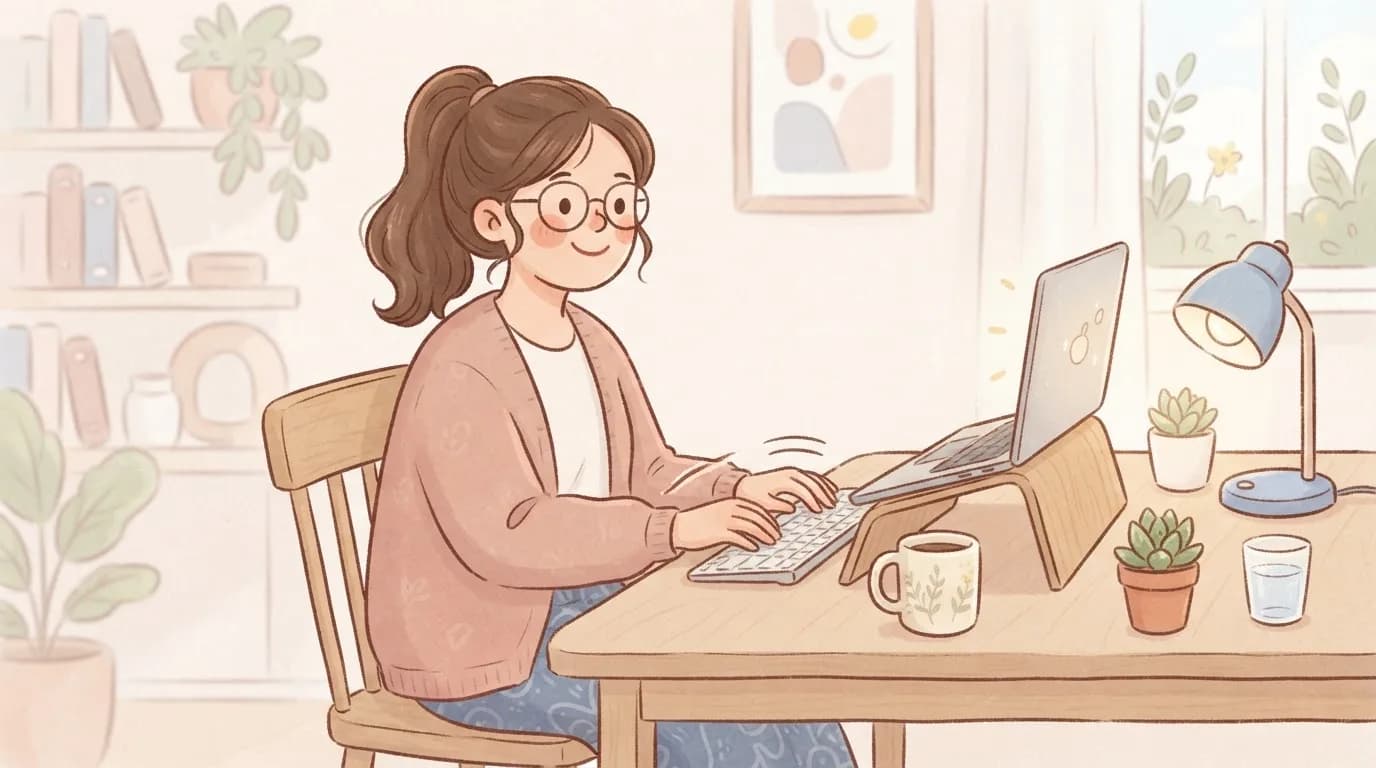
- Laptops work better with a stand plus a separate keyboard and mouse for long sessions.
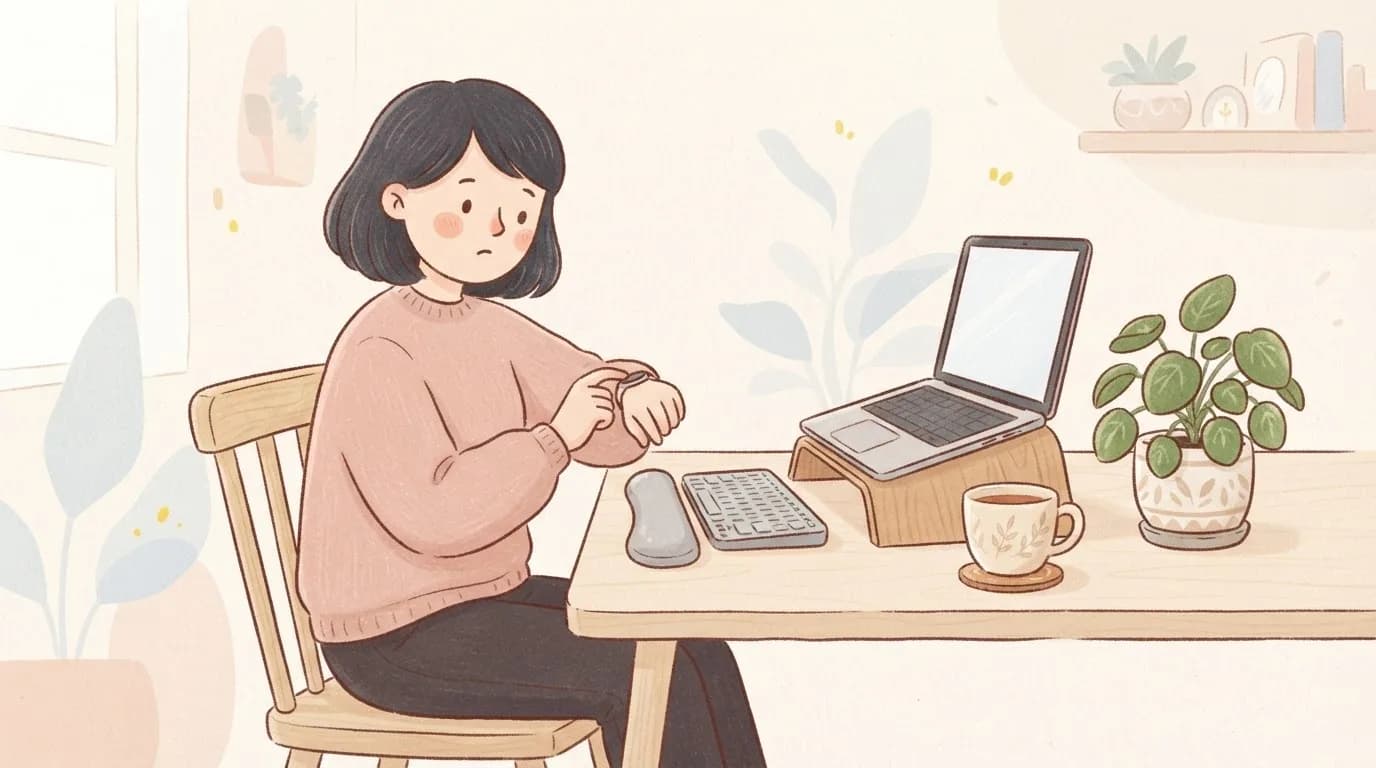
- A one-minute micro-break every 30 to 60 minutes helps more than one long break.
Sore wrists from a computer keyboard usually come from the keyboard sitting too high, wrists bent back or angled outwards, the mouse too far away and hours without a break. Start by getting the keyboard to elbow height with the feet folded away and the mouse right beside it. If you still ache after that, a compact, split or low-profile keyboard and a mouse that fits your hand are worth trying, and a short micro-break routine ties it all together.
This article is about the gear and the set-up. If you're wondering about braces and splints, I've covered that in the best wrist support for typing, and if you have a gel wrist rest that isn't helping, read why your ergonomic wrist rest isn't working.
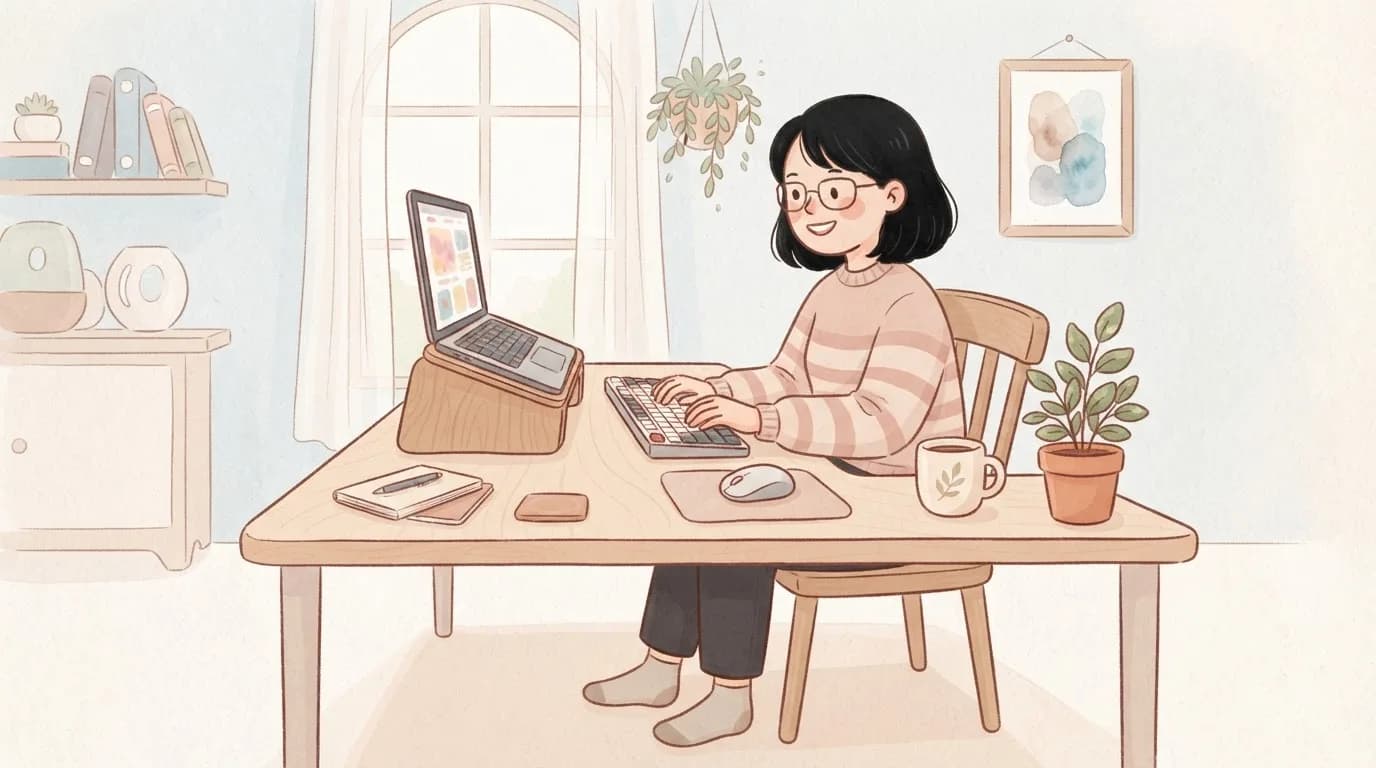
The two-minute desk set-up check
Run through this list before you spend anything. Most people find at least two things to change.
- Chair first. Feet flat on the floor or a footrest, hips slightly higher than knees, back supported.
- Elbows at about a right angle. With your shoulders relaxed and elbows by your sides, your forearms should be roughly level. The Royal Orthopaedic Hospital's computer advice suggests the same.
- Keyboard at elbow height or slightly below, and close enough that you don't reach forwards.
- Keyboard feet down. The OSHA keyboard guidance warns that keyboard feet can bend your wrists back, and suggests adjusting your chair or desk instead.
- Wrists straight in both directions, so the back of the hand lines up with the forearm and your hands don't angle outwards towards the little fingers.
- Mouse right next to the keyboard, at the same height.
- Screen at arm's length, top of the screen around eye level, so you aren't leaning forwards and loading your arms.
Which keyboard is best for sore wrists?
There isn't one keyboard that's best for everyone, and OSHA notes that research hasn't shown conclusively that alternative keyboards prevent discomfort or injury. What they can do is make it easier to keep your wrists straight, which is why many people find them more comfortable. This is how the main types compare.
| Keyboard type | What it changes | Worth trying if |
|---|---|---|
| Low-profile (flat, thin keys) | Less height, so the wrist bends back less | Your wrists feel cocked up on a chunky keyboard |
| Compact or tenkeyless (no number pad) | Brings the mouse much closer to your body | You ache more on the mouse side or in the shoulder |
| Split (two halves you can move apart) | Lets each hand sit in line with its forearm, so the wrists don't angle outwards | You have broad shoulders or notice your hands tilting towards the little fingers |
| Tented (the middle raised like a roof) | Rotates the palms slightly inwards, a more relaxed forearm position | Your forearms feel tight from holding the palms flat |
| Negative tilt (front higher than the back, or a tray that tilts away) | Lets the wrist sit straight when the keyboard is below elbow height | You use a keyboard tray or work reclined |
| Light-touch switches | Less force needed per key | You type hard or notice finger and forearm fatigue |
Give any new keyboard a couple of weeks. Split and tented designs feel strange at first, and your typing speed often dips before it comes back, so it can help to switch for part of the day to begin with.
Mouse, trackpad or something else?
For many people the mouse hand is the sorer one, which makes sense because the mouse involves a lot of small, repeated wrist movements with the arm held out. Mayo Clinic's health information mentions that some research has linked mouse use, rather than keyboard use, to carpal tunnel syndrome, although the evidence is far from settled. These are the things that help most often:
- Keep it close. OSHA's mouse guidance is to keep the mouse right beside the keyboard, so your arm isn't reaching out to the side.
- Pick a size that fits your hand. A mouse that's too small makes you claw at it, and one that's too big stretches your hand.
- Try a vertical mouse. It holds your hand in a handshake position, so the forearm isn't twisted palm-down all day. Some people love them and some don't, so try one for a couple of weeks.
- Try a trackball, which lets you move the pointer with your fingers or thumb while the hand stays still.
- Move from the elbow. Let the forearm glide and keep the wrist quiet, instead of pivoting the wrist on the desk.
- Use keyboard shortcuts and swap hands now and then. Both are on OSHA's list for reducing the load on one hand.
Laptops, tablets and phones
A laptop forces you to choose between a good screen height and a good keyboard height, and you can't have both. If you work on a laptop for more than an hour or two a day, a laptop stand plus a separate keyboard and mouse makes a big difference. The sharp front edge of many laptops also presses into the wrist, which is another reason to float your hands rather than lean.
Phones and tablets add to the load too. Long scrolling sessions with the thumb stretched across the screen, or holding a tablet with a bent wrist, work the tendons on the thumb side. Prop tablets on a stand, swap hands with your phone and use voice typing for long messages. If thumb-side pain is creeping in, read my article on thumb-side wrist pain.
A micro-break routine that fits into a working day
The NHS recommends smaller, more frequent breaks rather than one long one. Try this every 30 to 60 minutes. It takes about a minute, and every move should feel easy, with no pain and no tingling.
- Hands off and shake out for 10 seconds.
- Wrist circles: 5 slow circles each way with loose fists.
- Tendon glides: start with straight fingers, bend into a hook fist, then a full fist, then straighten again. 5 rounds, slowly.
- Gentle prayer stretch: palms together in front of your chest, lower your hands a little until you feel a mild stretch in the forearms, hold for 15 seconds.
- Finger spreads: open your hands as wide as you can, then relax. 5 times.
- Stand up and roll your shoulders back 5 times, and look at something far away for a few seconds while you're at it.

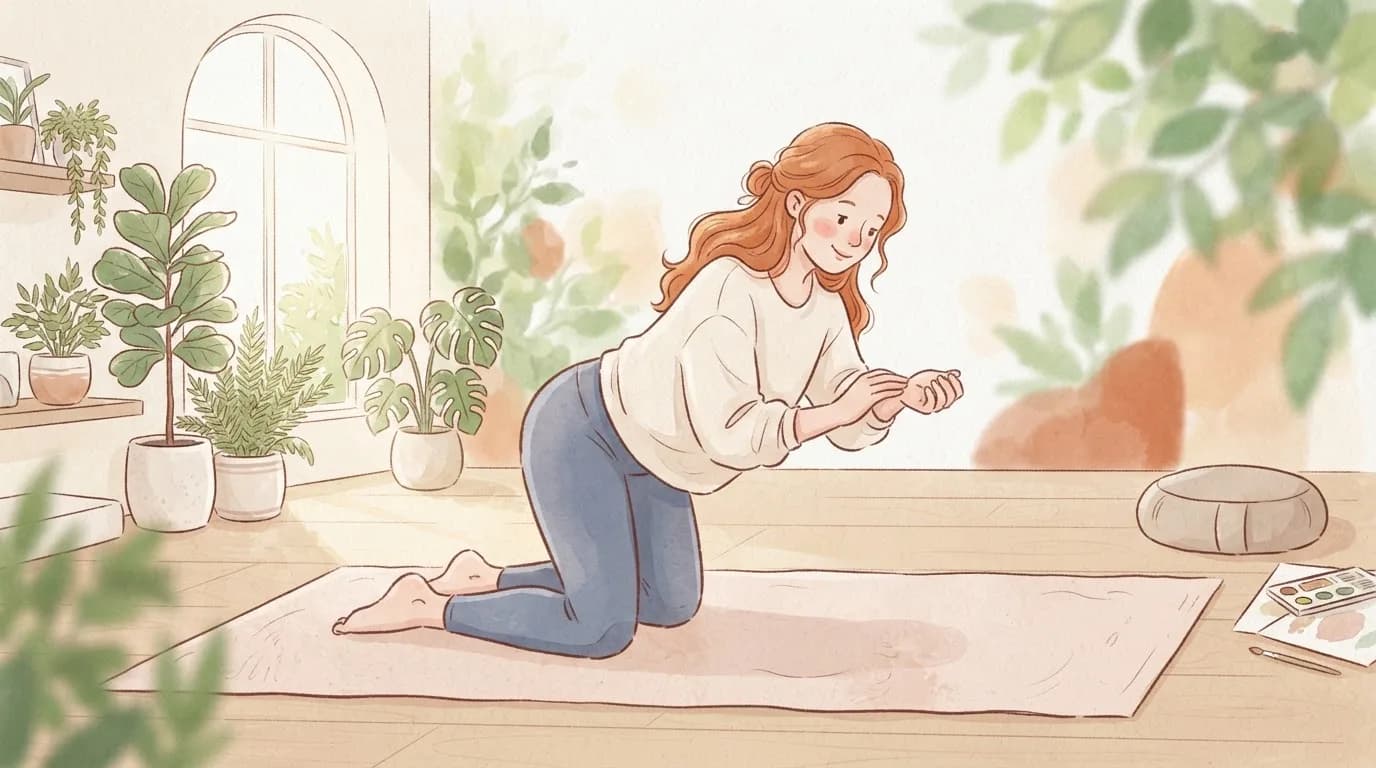
Masha's tip: If you go straight from the office to the gym or the pole studio, your wrists have already done a full day's work. Give them a proper warm-up before you put any weight on them, and if you want an easy one, my wrist warm-up for pole and aerial takes about five minutes.
Where wrist wraps fit for desk workers
SneakyDeez wraps are elastic compression wristbands I make for pole and training, so for desk work I'd always start with the set-up and gear above. Where they do fit is for people whose wrists do a desk shift and a training shift. Our wraps give firm compression and warmth during push-ups, handstands or pole, and they sit low on the wrist so your grip stays your own. Some people also like a pair at the desk for comfort, as long as they feel snug and never tight.

If you aren't sure of your size, my guide on how to measure your wrist takes a minute and a tape measure.
When gear isn't enough
A better set-up helps most desk aches within a couple of weeks. See a GP or physio if you have numbness, tingling or weakness in your hand, pain that wakes you at night, swelling, or pain that hasn't improved after two weeks of changes. If your employer offers a workstation assessment, it's worth asking for one, and if you'd like more reading on bent-wrist pain, try wrist pain when bent.
More in Desk & everyday
- The Best Wrist Support for Typing (and What Helps More Than a Brace)
- Why Your Ergonomic Wrist Rest Isn't Helping (and What to Do Instead)
Questions people ask
What is the best keyboard for wrist pain?
There's no single best one. A low-profile or compact keyboard suits many people, and a split or tented keyboard can help if your hands angle outwards or your forearms feel tight. Whatever you choose, set it at elbow height and give yourself a couple of weeks to adjust.
Do split keyboards really help wrist pain?
They can make it easier to keep each wrist in line with its forearm, and many people find them more comfortable. OSHA notes that research hasn't shown conclusively that they prevent injury, so think of them as one tool alongside good set-up and breaks.
Is a vertical mouse better for your wrist?
A vertical mouse holds your hand in a handshake position so the forearm isn't twisted palm-down all day, which some people find much more comfortable. Others don't get on with them, so try one for a couple of weeks and see how your wrist feels.
Should I use the feet on my keyboard?
For most people, no. Raising the back of the keyboard bends the wrists back. OSHA suggests not using keyboard feet if they increase wrist bending, and adjusting your chair or desk height instead.
Why do my wrists hurt after using a laptop?
Laptop keyboards are low and flat, the front edge can press into your wrists, and looking down at the screen makes you hunch. A laptop stand with a separate keyboard and mouse fixes most of this for long working sessions.
Shop the fix
Wraps made for exactly this
Handmade in Slovenia by a pole teacher, with firm compression that sits low on the wrist.
Sources we checked

Written by
Masha Pinner
Pole dance teacher at Pandora Art of Pole in Slovenia and former fashion designer. Masha started SneakyDeez in 2017 after years of teaching on sore wrists, and she still designs every pair.
Read Masha’s story